- Events
-
Partners
- Government
- Customer Portal
- Contact Us
- Contact Sales
-
English
Squid is a UNIX® based caching proxy for the web that supports HTTP, HTTPS, FTP, and more. It runs on most available operating systems like Windows® and Linux®. Squid lowers bandwidth utilization and boosts response times by caching and reusing regularly requested webpages.
Ensuring your Squid servers are running at peak performance can be a challenge. A SIEM monitoring tool will allow you do real-time, automated event correlation and log analysis to help you ensure your Squid servers are secure and running at peak performance.
Log files are generated across your IT environment for every action performed on IT assets. Squid logs are an important source of data about Squid workloads and performance.
A typical Squid log analyzer processes the Squid proxy server logs to generate exclusive Squid reports. The logs report not only access information, but also system configuration lapses and resource consumption (e.g. memory and disk space).
Squid log analysis can also deliver deeper understanding of internal network websites’ access patterns. Regularly monitored Squid logs will help you analyze events and more easily determine what happened before and after an event.
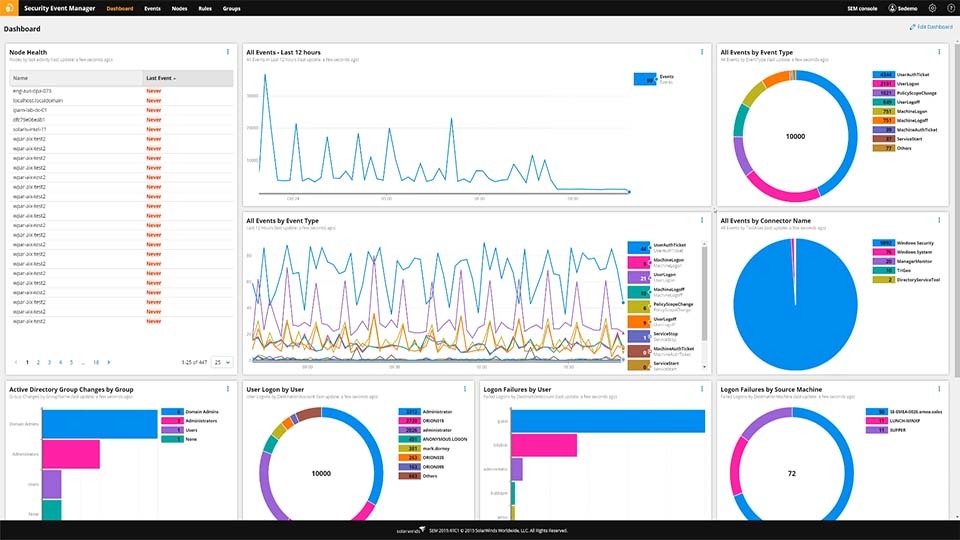
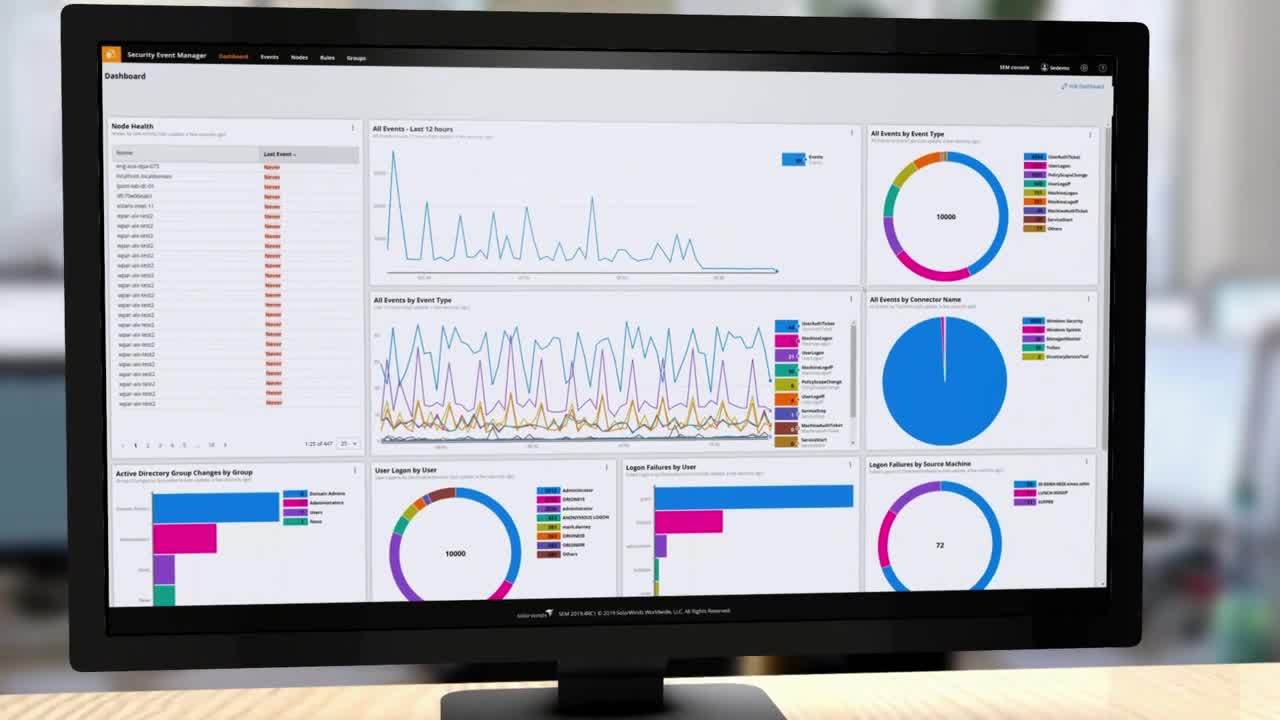
SolarWinds SEM is built to help you perform real-time log normalization and correlation to easily and quickly identify anomalies, errors, and warnings registered in SquidGuard. You can also view both raw data from event logs and normalized and correlated data side-by-side for comparison.
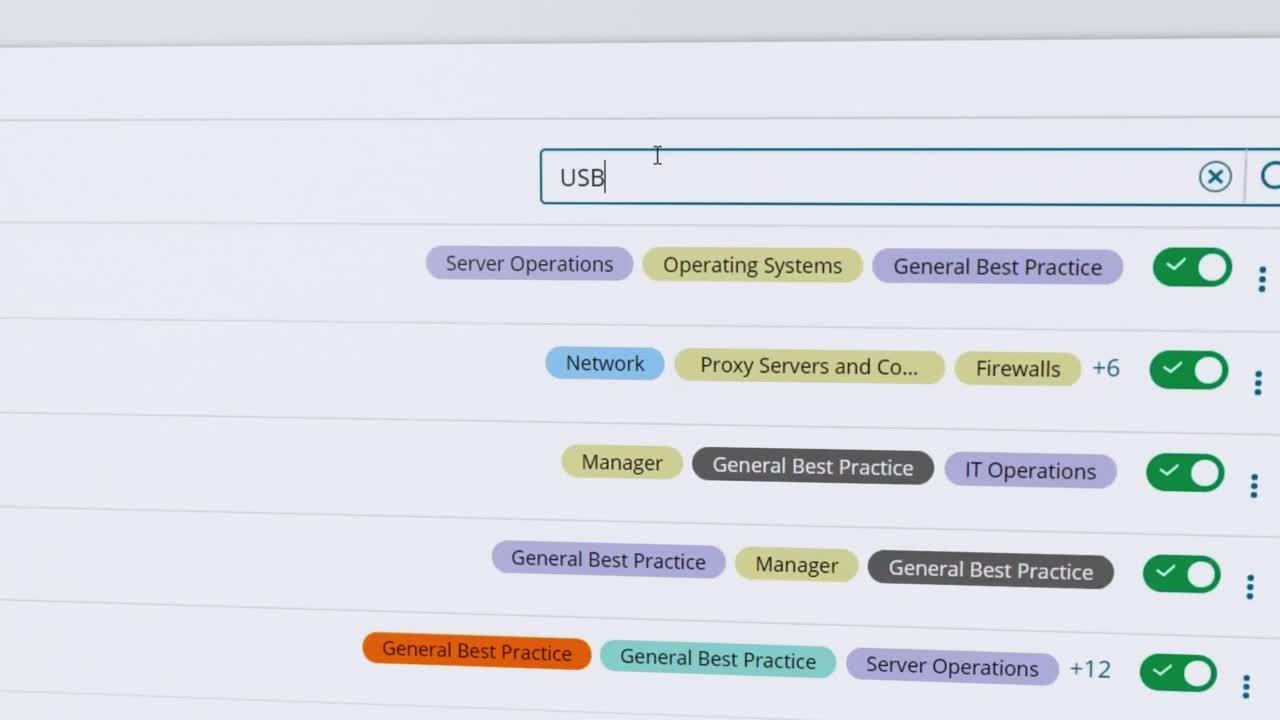
SEM is also designed to give you advanced log search functionality to enable you to perform forensic analysis on Squid events and achieve more effective log monitoring.
Related Features
Related Tools
Squid is a UNIX® based caching proxy for the web that supports HTTP, HTTPS, FTP, and more. It runs on most available operating systems like Windows® and Linux®. Squid lowers bandwidth utilization and boosts response times by caching and reusing regularly requested webpages.
Ensuring your Squid servers are running at peak performance can be a challenge. A SIEM monitoring tool will allow you do real-time, automated event correlation and log analysis to help you ensure your Squid servers are secure and running at peak performance.
Log files are generated across your IT environment for every action performed on IT assets. Squid logs are an important source of data about Squid workloads and performance.
A typical Squid log analyzer processes the Squid proxy server logs to generate exclusive Squid reports. The logs report not only access information, but also system configuration lapses and resource consumption (e.g. memory and disk space).
Squid log analysis can also deliver deeper understanding of internal network websites’ access patterns. Regularly monitored Squid logs will help you analyze events and more easily determine what happened before and after an event.
SolarWinds SEM is built to help you perform real-time log normalization and correlation to easily and quickly identify anomalies, errors, and warnings registered in SquidGuard. You can also view both raw data from event logs and normalized and correlated data side-by-side for comparison.
SEM is also designed to give you advanced log search functionality to enable you to perform forensic analysis on Squid events and achieve more effective log monitoring.
Related Features
Related Tools
Security Event Manager
Collecting logs from different sources can feel like herding cats without the right tool.
Cutting through the noise to quickly get to the logs you need doesn’t have to be difficult.
Identifying suspicious behavior faster, with less manual effort and less security expertise, is possible.