- Events
-
Partners
- Government
- Customer Portal
- Contact Us
- Contact Sales
-
English
SolarWinds Security Event Manager is built to provide an integrated compliance reporting tool for simplified and faster compliance audits. SEM’s standardized reports available out-of-the-box can assist you in demonstrating various industry-specific regulations like HIPAA, PCI DSS, SOX, FISMA, NERC CIP, FERPA, GLBA, GPG13, DISA STIG, and more. You can easily conduct forensic investigations with SEM’s detailed drill-down reports. In addition to industry regulation compliance, the compliance reporting can also help you demonstrate and ensure that any internal security policies are effectively implemented at all times.
Security Information and Event Management, or SIEM, combines Security Information Management (SIM) with Security Event Management (SEM) to protect your network from security breaches and other threats.
Put simply, SIEM monitoring involves collecting, normalizing, and aggregating SIEM logs, so you can analyze and correlate the data they contain. This helps you quickly pinpoint security breaches, investigate alerts, and combat security threats. Manually performing these activities is time-consuming and impractical, so most IT professionals use security monitoring tools with advanced reporting, event correlation, and automated alerting features.
By engaging in SIEM log monitoring and management, you can gain invaluable context into the events occurring within your network, enabling you to diagnose, prioritize, and act on security events without being lost in a sea of non-critical data and alerts. In short, you’ll be able to act quickly when needed to ensure network security and demonstrate compliance when you use SIEM software.
In addition to having defenses like antivirus software, up-to-date patches, firewalls, daily backups, mail protection, and a powerful SIEM tool in place, you’ll want to actively review the data your SIEM monitoring tool collects. Plus, you should follow SIEM monitoring best practices to maximize visibility, accelerate threat detection, simplify incident response, increase the quality of your enterprise’s security, and minimize or eliminate damage from security breaches.
Since everything from a login attempt to the creation of a new file creates an event log entry, and log structures vary, reading and sifting through this data can be frustrating and time-consuming. Your SIEM should offer you context about your IT infrastructure and security events, so you can make informed decisions.
To eliminate the need to constantly check incoming logs and reports, you’ll want a SIEM tool that automatically collects, normalizes, and aggregates event logs in one location, analyzes them, and alerts you to any abnormalities. This can simplify your process and give you additional time to concentrate on more serious problems.
Your SIEM solution should also have log search capabilities, external threat intelligence feeds, and an anomaly-based intrusion detection system. With advanced log search capabilities, you can easily find essential information, enabling you to respond confidently and effectively during a cybersecurity attack, while anomaly-based intrusion detection systems alert you when network activity deviates from your baseline, so you can investigate the root cause.
And finally, you’ll want to have the right people on the job. You’ll need staff members to follow up on any security alerts, determine if any issues were false alarms, and resolve those that weren’t. Plus, your staff members will be able to reevaluate and improve your system’s rules, enabling you to optimize your SIEM solution and ensure its automation processes are working as intended.
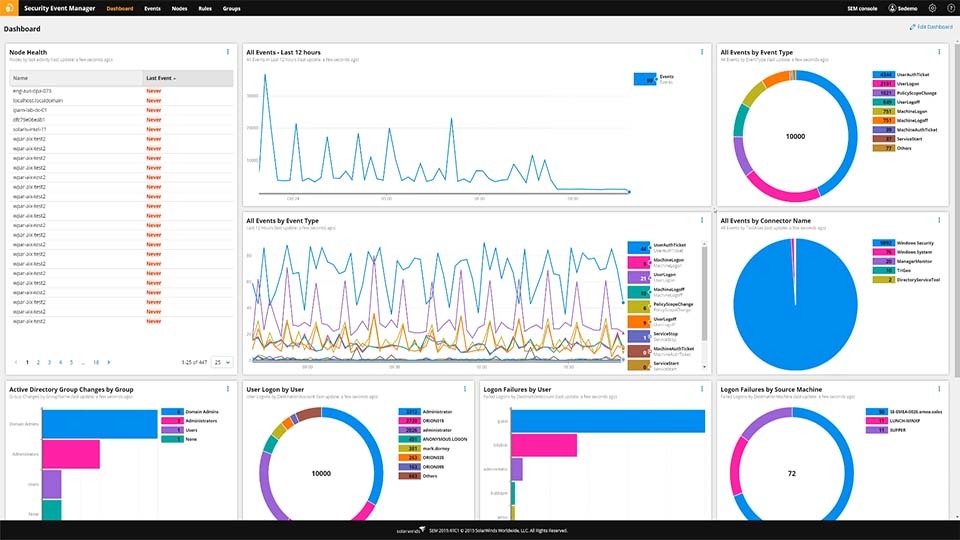
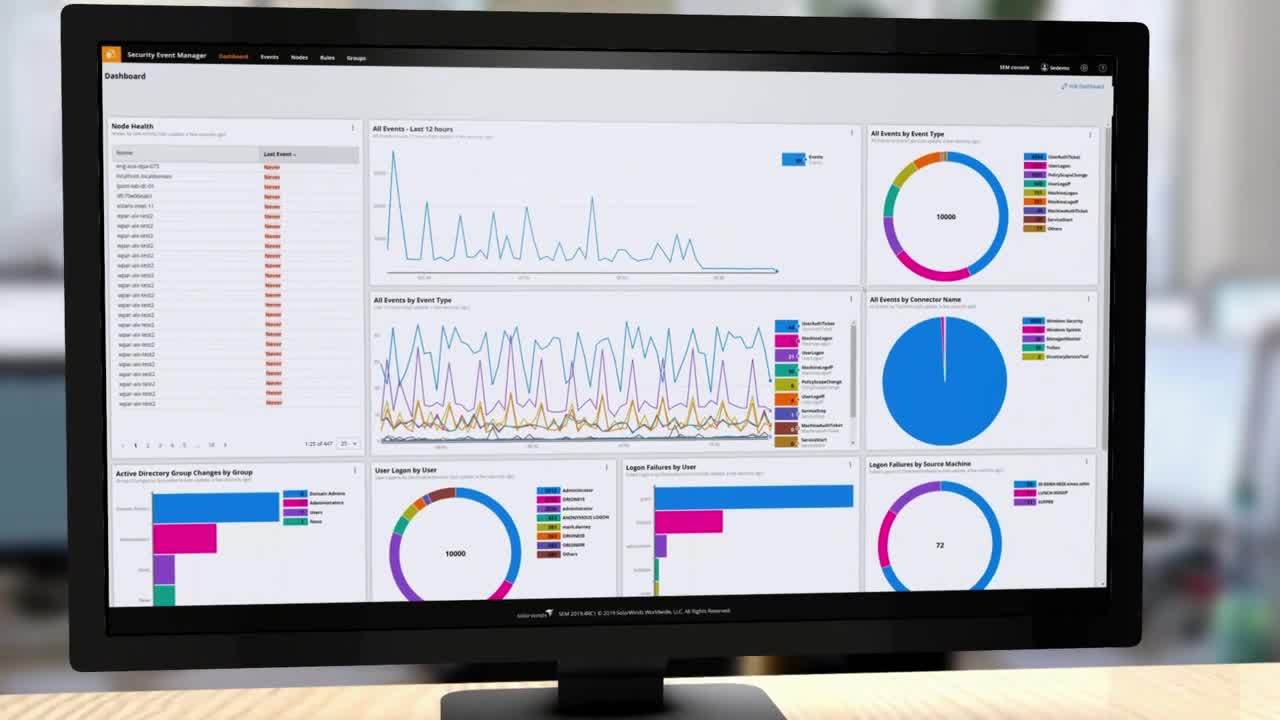
SolarWinds Security Event Manager (SEM) is built to simplify and accelerate the process of managing and monitoring your SIEM logs. SEM collects and aggregates logs from across your IT in a centralized location, enabling you to make sense of your logs and quickly detect security threats, and allows you to automate your threat responses.
Monitoring and capturing all your domain events start with installing the SEM agent on your domain controllers. Once in place, if the agent notices any suspicious events, such as unauthorized failed logon attempts, account lockouts, access to administrative accounts, or changes made to users or groups, it will report events to your SEM Manager, enabling you to take action against potential security risks quickly.
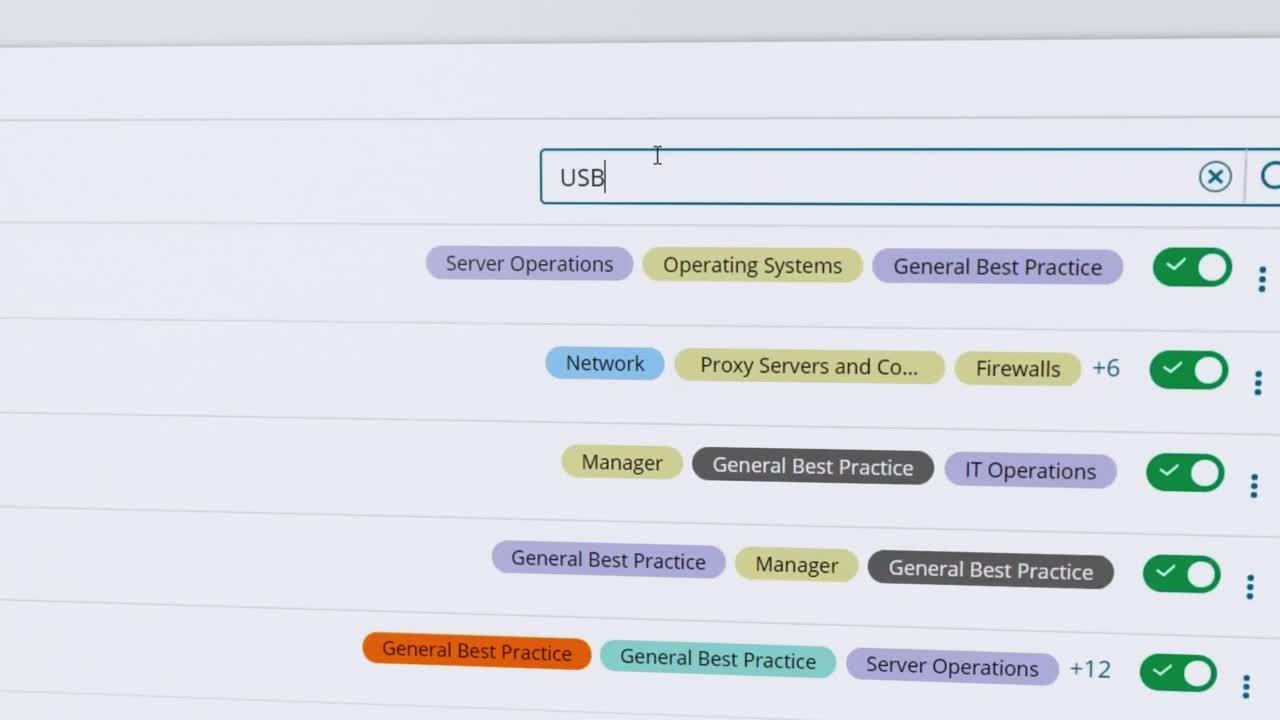
To install a SEM agent on a Windows domain controller, head to the SolarWinds Customer Portal and download the SEM agent installer for Windows. Then, extract the downloaded ZIP file contents to your local or network directory, run Setup.exe, click Next, and accept the End User License Agreement when prompted. Enter your SEM Manager’s hostname in the Manager Name field and click Next. Leave the default port values as they are and confirm your Manager Communication settings before clicking Next. If you’d like to install the optional USB Defender, check the appropriate box. Then, review the pre-Installation summary, confirm your settings, and click Install. After installation, you can click Next to start the SEM agent service, check your agent log for any errors, and exit the installer by clicking Done. If you have old and legacy Windows operating systems, you’ll need to create a connector profile for each system.
You can monitor your firewalls for unauthorized port scans, network attacks, data packets, and any unusual traffic patterns with SolarWinds SEM by configuring your firewalls to log to SEM and setting up a new connector in the SEM Manager. Find the connector you want to configure under Manage Connectors in the SEM Console. Click Add connector, fill out the configuration form, click Add, select your connector from a list of configured connectors, and click Start. You can then view traffic and firewall events from a specific computer by creating a filter.
Other SolarWinds tools to help detect security risk:
Related features:
Security Information and Event Management, or SIEM, combines Security Information Management (SIM) with Security Event Management (SEM) to protect your network from security breaches and other threats.
Put simply, SIEM monitoring involves collecting, normalizing, and aggregating SIEM logs, so you can analyze and correlate the data they contain. This helps you quickly pinpoint security breaches, investigate alerts, and combat security threats. Manually performing these activities is time-consuming and impractical, so most IT professionals use security monitoring tools with advanced reporting, event correlation, and automated alerting features.
By engaging in SIEM log monitoring and management, you can gain invaluable context into the events occurring within your network, enabling you to diagnose, prioritize, and act on security events without being lost in a sea of non-critical data and alerts. In short, you’ll be able to act quickly when needed to ensure network security and demonstrate compliance when you use SIEM software.
In addition to having defenses like antivirus software, up-to-date patches, firewalls, daily backups, mail protection, and a powerful SIEM tool in place, you’ll want to actively review the data your SIEM monitoring tool collects. Plus, you should follow SIEM monitoring best practices to maximize visibility, accelerate threat detection, simplify incident response, increase the quality of your enterprise’s security, and minimize or eliminate damage from security breaches.
Since everything from a login attempt to the creation of a new file creates an event log entry, and log structures vary, reading and sifting through this data can be frustrating and time-consuming. Your SIEM should offer you context about your IT infrastructure and security events, so you can make informed decisions.
To eliminate the need to constantly check incoming logs and reports, you’ll want a SIEM tool that automatically collects, normalizes, and aggregates event logs in one location, analyzes them, and alerts you to any abnormalities. This can simplify your process and give you additional time to concentrate on more serious problems.
Your SIEM solution should also have log search capabilities, external threat intelligence feeds, and an anomaly-based intrusion detection system. With advanced log search capabilities, you can easily find essential information, enabling you to respond confidently and effectively during a cybersecurity attack, while anomaly-based intrusion detection systems alert you when network activity deviates from your baseline, so you can investigate the root cause.
And finally, you’ll want to have the right people on the job. You’ll need staff members to follow up on any security alerts, determine if any issues were false alarms, and resolve those that weren’t. Plus, your staff members will be able to reevaluate and improve your system’s rules, enabling you to optimize your SIEM solution and ensure its automation processes are working as intended.
SolarWinds Security Event Manager (SEM) is built to simplify and accelerate the process of managing and monitoring your SIEM logs. SEM collects and aggregates logs from across your IT in a centralized location, enabling you to make sense of your logs and quickly detect security threats, and allows you to automate your threat responses.
Monitoring and capturing all your domain events start with installing the SEM agent on your domain controllers. Once in place, if the agent notices any suspicious events, such as unauthorized failed logon attempts, account lockouts, access to administrative accounts, or changes made to users or groups, it will report events to your SEM Manager, enabling you to take action against potential security risks quickly.
To install a SEM agent on a Windows domain controller, head to the SolarWinds Customer Portal and download the SEM agent installer for Windows. Then, extract the downloaded ZIP file contents to your local or network directory, run Setup.exe, click Next, and accept the End User License Agreement when prompted. Enter your SEM Manager’s hostname in the Manager Name field and click Next. Leave the default port values as they are and confirm your Manager Communication settings before clicking Next. If you’d like to install the optional USB Defender, check the appropriate box. Then, review the pre-Installation summary, confirm your settings, and click Install. After installation, you can click Next to start the SEM agent service, check your agent log for any errors, and exit the installer by clicking Done. If you have old and legacy Windows operating systems, you’ll need to create a connector profile for each system.
You can monitor your firewalls for unauthorized port scans, network attacks, data packets, and any unusual traffic patterns with SolarWinds SEM by configuring your firewalls to log to SEM and setting up a new connector in the SEM Manager. Find the connector you want to configure under Manage Connectors in the SEM Console. Click Add connector, fill out the configuration form, click Add, select your connector from a list of configured connectors, and click Start. You can then view traffic and firewall events from a specific computer by creating a filter.
Other SolarWinds tools to help detect security risk:
Related features:
Security Event Manager
Unify and extract actionable intelligence from all your logs in real-time.
Expedite threat response against malicious IPs, accounts, applications, and more.
Get out-of-the-box compliance reporting for HIPAA, PCI DSS, SOX, ISO, and more.