- Events
-
Partners
- Government
- Customer Portal
- Contact Us
- Contact Sales
-
English
Supports unlimited concurrent sessions
Sending data and files subject to privacy and security regulations requires a solution suited for the job. Building on the capabilities of Serv-U® FTP Server, Serv-U MFT Server supports FTP, FTPS, SFTP, and HTTP/S protocols for file transfer over IPv4 and IPv6 networks.
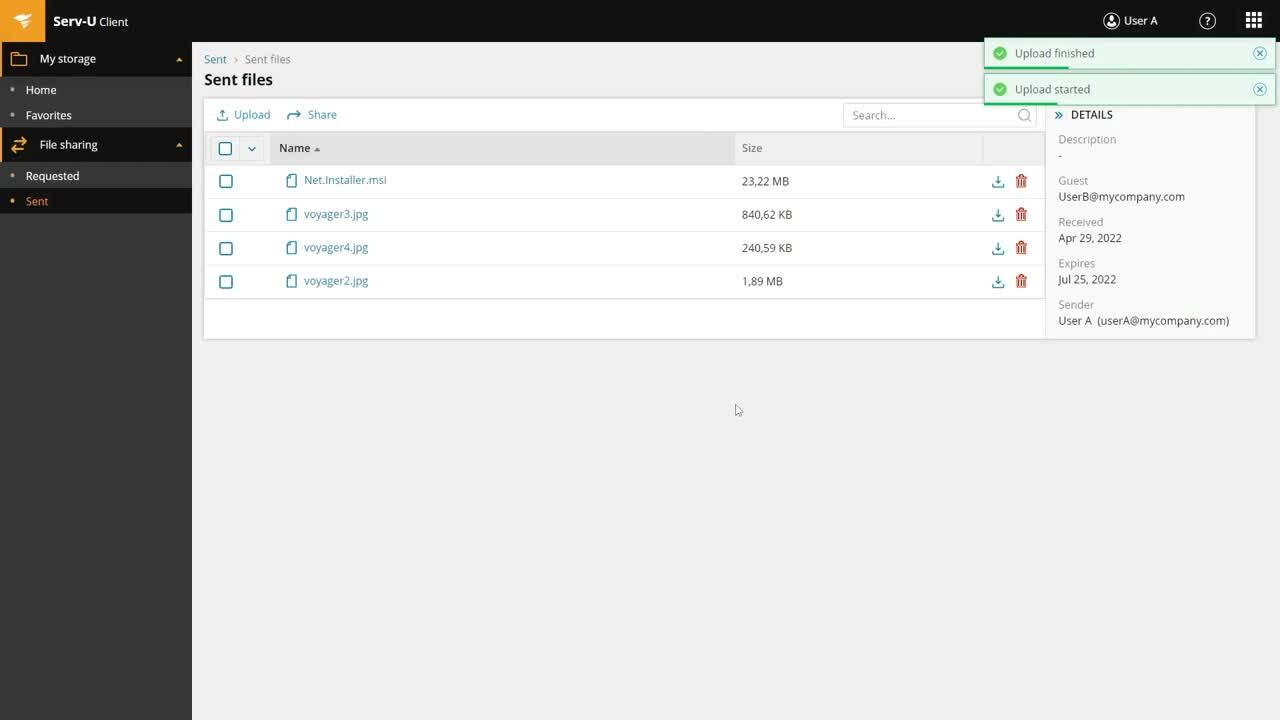
Peer-to-peer file sharing and requesting files with Serv-U MFT can be easily done using the ad hoc file-sharing feature. Peer-to-peer file sharing simplifies sending and requesting large files or files with sensitive data within or outside your organization. You can do so anywhere, anytime, from the web and mobile devices by using drag-and-drop. Enable fast and reliable large (>3GB) file transfers and folder synchronization with Serv-U MFT Server.
To make file-sharing experience smooth for your employees or external subjects, Serv-U MFT Server includes customized web client branding. You can differentiate your brand by adding a custom logo, text, and advanced custom CSS templates to design your own Serv-U web logging interface.
Avoid the administrative hassle of your typical FTP. Using Serv-U MFT Server, you can access a centralized web-based console offering powerful management and administration capabilities. Automated file transfer management saves time you don’t need to waste on routine tasks as defined actions are performed automatically.
FTP server performance is critical for ensuring reliable data transfer. With Serv-u MFT Server, you don’t get stuck twiddling your thumbs when something goes wrong. Track your file server startup, configuration, and domain activity logs and monitor real-time session and user statistics from a web-based management dashboard.
When necessary, Serv-U MFT allows administrators to manage transfer ratios and quotas to avoid bandwidth throttling and storage consumption risks.
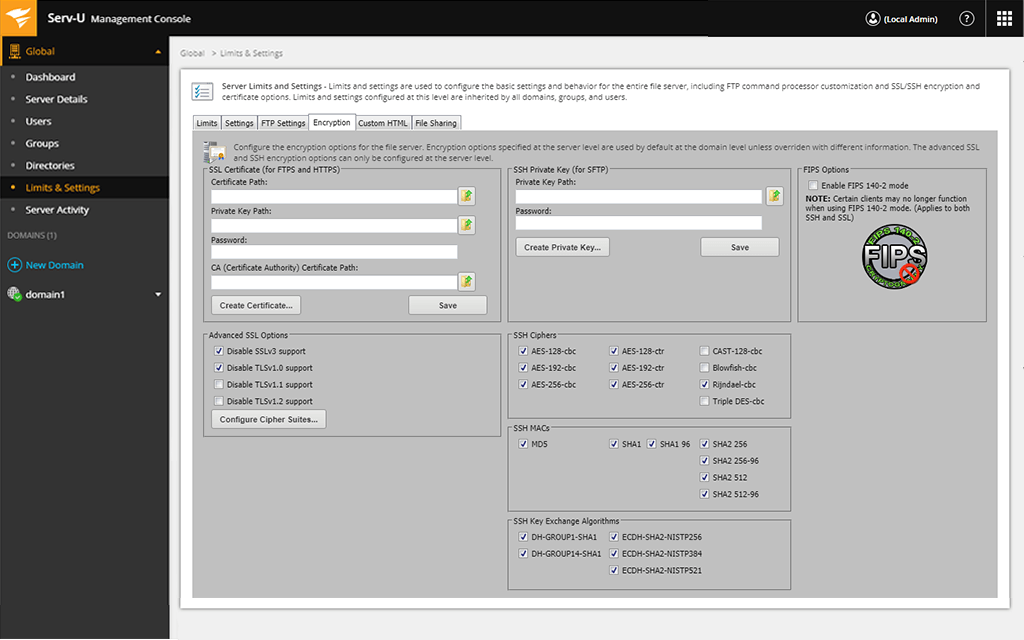
Yes, Serv-U FTP Server includes a FIPS 140-2 validated cryptographic module. You can view the NIST certificate here.
True data security and compliance start with a strong technical foundation. Sending data and files is subject to privacy and security regulations. Serv-U MFT Server supports FTP, FTPS, SFTP, and HTTP/S protocols for file transfer over IPv4 and IPv6 networks, which helps to ensure compliance with PCI DSS, HIPAA, FISMA, SOX, and other standards involving securing data in transit.
When it comes to deeper security, Serv-U Gateway is the way to go. This add-on to Serv-U MFT Server provides defense-in-depth security to Serv-U FTP Server deployment. It ensures no data is stored in the DMZ to comply with PCI DSS and other regulatory frameworks.
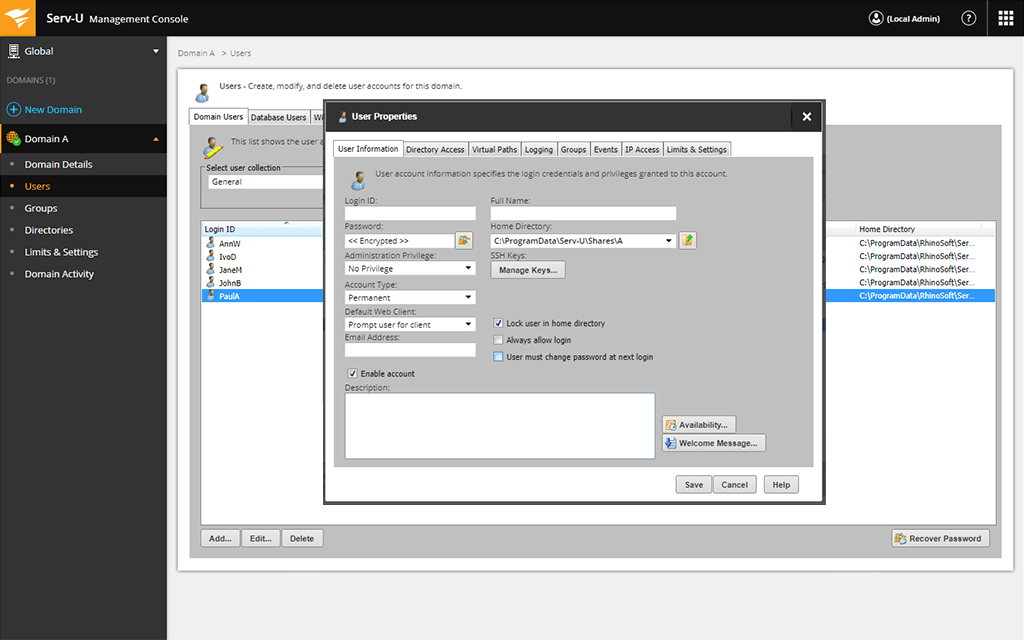
If you have existing Active Directory/Lightweight Directory Access Protocol AD/LDAP servers, you can integrate Serv-U MFT Server to sync user accounts. Serv-U MFT Server simplifies authentication by integrating with existing AD/LDAP servers. Manage permissions and apply limits and custom settings for file transfer operations to users, groups, domains, and servers.
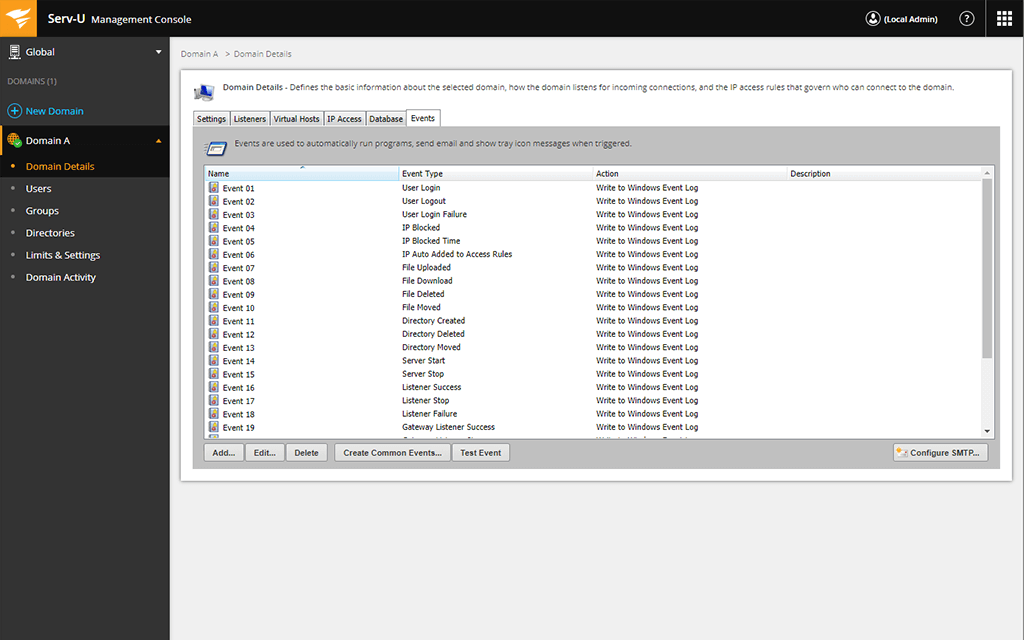
Serv-U MFT Server won’t leave you in a hassle when every second counts. Execute automated actions based on triggered events immediately when a suspicious event occurs. Send emails, run programs, delete files, and write Windows event log messages.
To help strengthen data transfer security, Serv-u MFT Server allows administrators to define concurrent session limits, block the IP address of timed-out sessions, request reverse DNS, or take advantage of anti-hammering features to prevent brute force attacks.
Sending data and files subject to privacy and security regulations requires a solution suited for the job. Building on the capabilities of Serv-U® FTP Server, Serv-U MFT Server supports FTP, FTPS, SFTP, and HTTP/S protocols for file transfer over IPv4 and IPv6 networks.
Peer-to-peer file sharing and requesting files with Serv-U MFT can be easily done using the ad hoc file-sharing feature. Peer-to-peer file sharing simplifies sending and requesting large files or files with sensitive data within or outside your organization. You can do so anywhere, anytime, from the web and mobile devices by using drag-and-drop. Enable fast and reliable large (>3GB) file transfers and folder synchronization with Serv-U MFT Server.
To make file-sharing experience smooth for your employees or external subjects, Serv-U MFT Server includes customized web client branding. You can differentiate your brand by adding a custom logo, text, and advanced custom CSS templates to design your own Serv-U web logging interface.
Avoid the administrative hassle of your typical FTP. Using Serv-U MFT Server, you can access a centralized web-based console offering powerful management and administration capabilities. Automated file transfer management saves time you don’t need to waste on routine tasks as defined actions are performed automatically.
FTP server performance is critical for ensuring reliable data transfer. With Serv-u MFT Server, you don’t get stuck twiddling your thumbs when something goes wrong. Track your file server startup, configuration, and domain activity logs and monitor real-time session and user statistics from a web-based management dashboard.
When necessary, Serv-U MFT allows administrators to manage transfer ratios and quotas to avoid bandwidth throttling and storage consumption risks.
Yes, Serv-U FTP Server includes a FIPS 140-2 validated cryptographic module. You can view the NIST certificate here.
True data security and compliance start with a strong technical foundation. Sending data and files is subject to privacy and security regulations. Serv-U MFT Server supports FTP, FTPS, SFTP, and HTTP/S protocols for file transfer over IPv4 and IPv6 networks, which helps to ensure compliance with PCI DSS, HIPAA, FISMA, SOX, and other standards involving securing data in transit.
When it comes to deeper security, Serv-U Gateway is the way to go. This add-on to Serv-U MFT Server provides defense-in-depth security to Serv-U FTP Server deployment. It ensures no data is stored in the DMZ to comply with PCI DSS and other regulatory frameworks.
If you have existing Active Directory/Lightweight Directory Access Protocol AD/LDAP servers, you can integrate Serv-U MFT Server to sync user accounts. Serv-U MFT Server simplifies authentication by integrating with existing AD/LDAP servers. Manage permissions and apply limits and custom settings for file transfer operations to users, groups, domains, and servers.
Serv-U MFT Server won’t leave you in a hassle when every second counts. Execute automated actions based on triggered events immediately when a suspicious event occurs. Send emails, run programs, delete files, and write Windows event log messages.
To help strengthen data transfer security, Serv-u MFT Server allows administrators to define concurrent session limits, block the IP address of timed-out sessions, request reverse DNS, or take advantage of anti-hammering features to prevent brute force attacks.


“The Security level in FTP Server is too good, file sharing is too easy to send and request, use it anywhere and anytime to transfer files, its centralised management and automation is best thing.”
“We use Serv-U Managed File Transfer (MFT) Server along with Serv-U Gateway to securely and easily transfer files with our clients. Our old FTP server was not meeting the needs of our organization in terms of security and ease of use. Serv-U has allowed us to keep our file transfer services in house, and eliminate our usage of 3rd-party tools.”
“We use Serv-U MFT Server to securely transfer sensitive health data from clients for troubleshooting of our product. Serv-U Managed File Transfer is an excellent solution with a great package. Straightforward and easy to set up and integrate with AD. Excellent support, should you need any!”
“Our old FTP server was not meeting the needs of our organization in terms of security and ease of use. People were resorting to other personal solutions such as Dropbox. Serv-U has allowed us to keep our file transfer services in house, and eliminate our usage of third-party tools.”
“Serv-U Managed File Transfer Server is a versatile, easy to deploy solution that integrates well into existing infrastructure meeting all our compliance requirements, and ensuring peace of mind for file transfers.”