- Events
-
Partners
- Government
- Customer Portal
- Contact Us
- Contact Sales
-
English
Network device discovery, also referred to as topology discovery, is the first step when mapping and monitoring network infrastructure. Network device discovery involves locating devices connected to a network and collecting detailed information to generate a comprehensive network inventory.
Network devices can include gateways, routers, network bridges, modems, wireless access points, networking cables, line drivers, switches, hubs, and repeaters. In addition, users may want to also want to discover hybrid network devices, which include multilayer switches, protocol converters, bridge routers, proxy servers, firewalls, network address translators, and other related hardware.
Network device discovery works by using common discovery protocols to locate and monitor the devices on a network. There are three primary discovery protocols:
Network device discovery can help provide network transparency. Without a deep understanding of what devices are accessing your network, their relationships, and how they’re communicating with one another, you may lack the visibility you need to conduct comprehensive analysis of all the factors potentially contributing to network performance problems. Running device discovery is a critical step for accurately mapping a network.
Network device discovery is also important for monitoring environments including virtual networks, cloud servers, and both wired and wireless networks. The more hybrid your network topology becomes, the more important it is to have comprehensive network device discovery in place to more easily identify root causes of network bottlenecks or slowdowns.
In addition, network device discovery can help inform your digital security. Since device discovery can include locating and mapping allocated IP addresses, users can better manage devices to see which IP addresses are valid and which aren’t, since invalid IP addresses may be a sign of malicious or rogue devices.
Network discovery can also help you map the ports on your network to ensure there aren’t unnecessary ports open for intruders to potentially exploit.
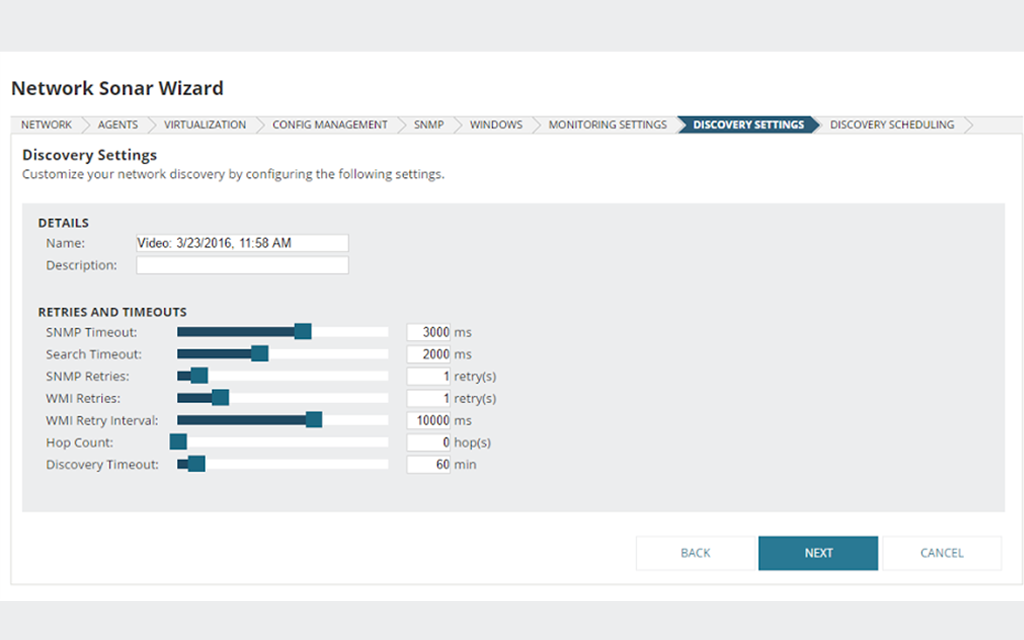
Before running the Network Device Discovery wizard in SolarWinds® Network Performance Monitor (NPM), make sure to gather the IP addresses and credentials for the devices you want to monitor. From there, follow these steps:
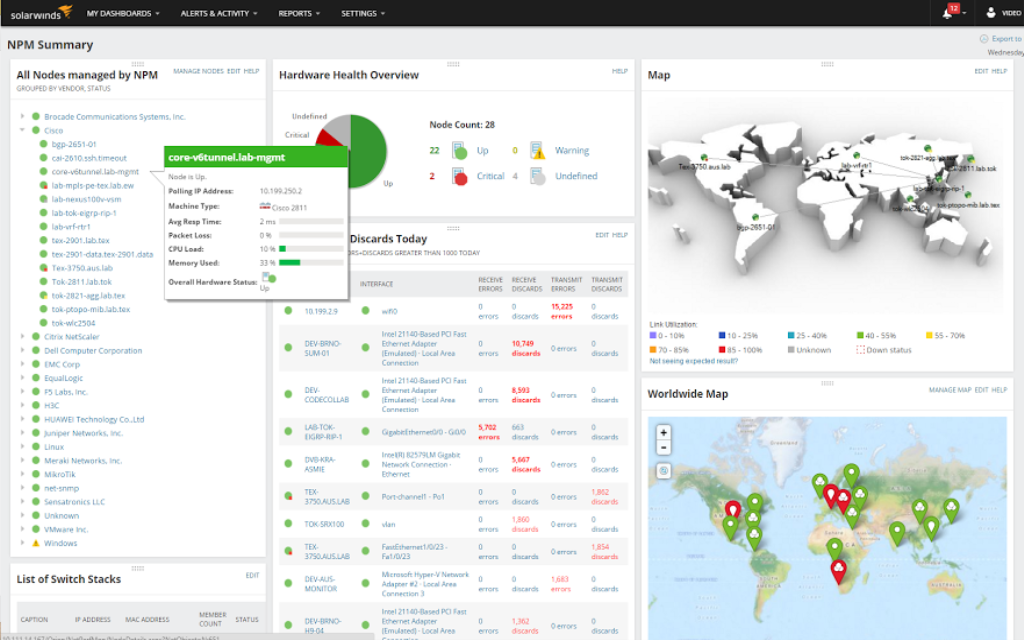
To discover devices on your network using NPM, simply log into the SolarWinds Platform Web Console and scan your network for devices to monitor. From there, go through the Discovery Checklist for detailed information about what to monitor on your network.
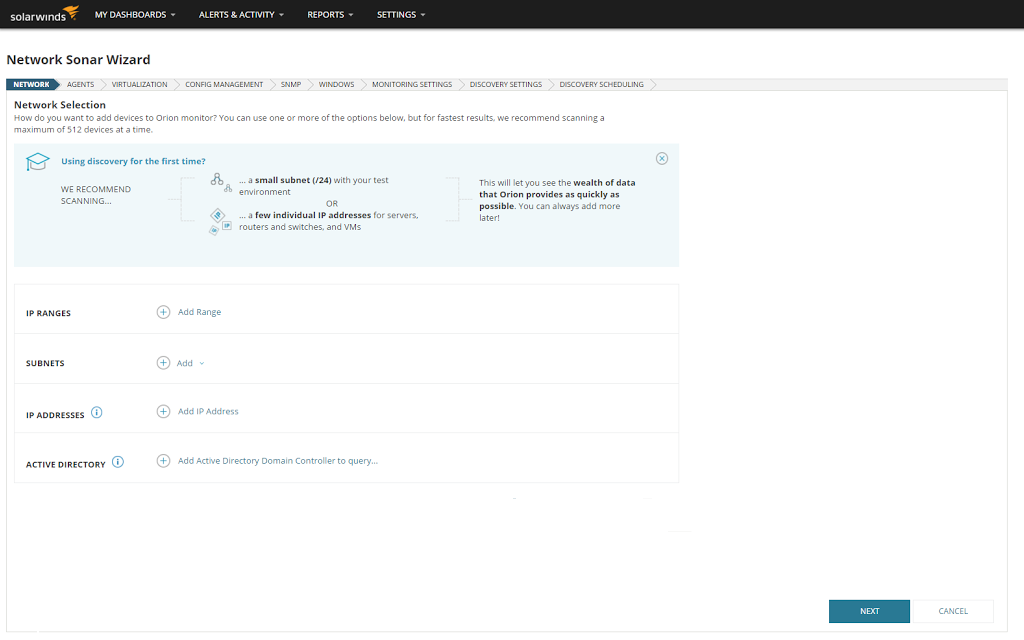
Using the Discovery wizard, you can find devices on the network using the following:
After you discover devices on your network using the Network Sonar wizard, you can add them by selecting network elements to import to the SolarWinds Platform database, which is located within the Network Sonar Results wizard. Discovered elements don’t count against your license count. The only elements that count against your license are those you import into the Orion® Platform database.
By default, once you manually run network device discovery, the system automatically selects all network elements to be monitored. Clear the check boxes for elements you don’t want monitored. If you’re using NPM to find devices on your network for the first time, you may want to add only a small number of devices initially. Here’s how to add discovered devices to NPM:
If the status of a node is Unknown after discovery, you may need to check a few settings in NPM. See Troubleshoot Unknown Nodes for more information.
When you finish the initial discovery and import, consider adding discoveries for other segments of your IT environment.
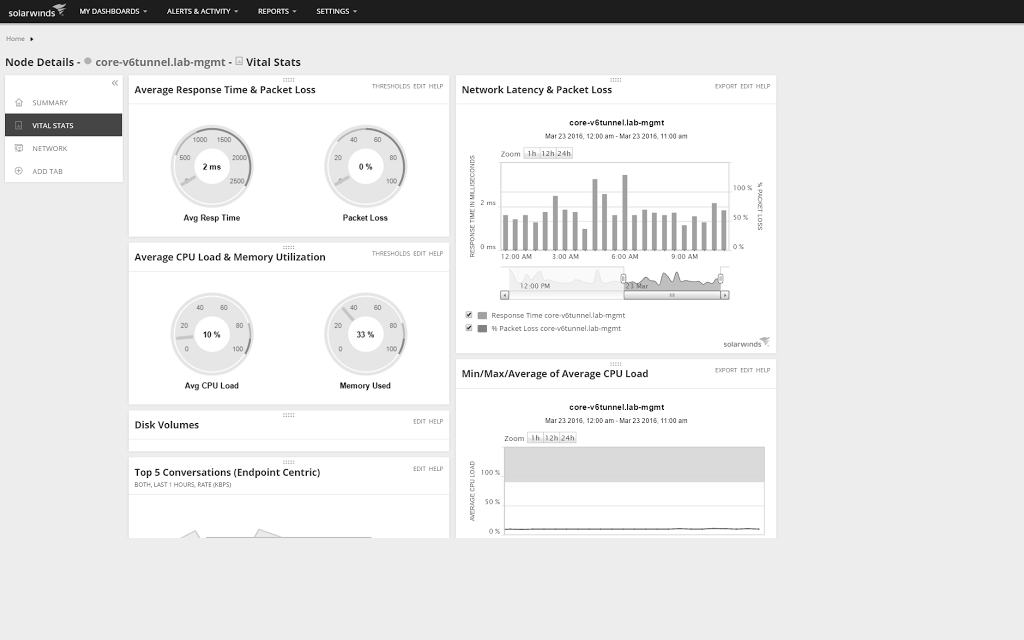
NetPath™ is an NPM feature designed to help you identify network problems faster. Once you discover devices on the network, you can automatically create a map of a problem area, instantly gaining access to a wide variety of supporting information. NetPath can display the performance details of devices inside and outside your network.
Here are a few key features of NetPath:
Network device discovery, also referred to as topology discovery, is the first step when mapping and monitoring network infrastructure. Network device discovery involves locating devices connected to a network and collecting detailed information to generate a comprehensive network inventory.
Network devices can include gateways, routers, network bridges, modems, wireless access points, networking cables, line drivers, switches, hubs, and repeaters. In addition, users may want to also want to discover hybrid network devices, which include multilayer switches, protocol converters, bridge routers, proxy servers, firewalls, network address translators, and other related hardware.
Network device discovery works by using common discovery protocols to locate and monitor the devices on a network. There are three primary discovery protocols:
Network device discovery can help provide network transparency. Without a deep understanding of what devices are accessing your network, their relationships, and how they’re communicating with one another, you may lack the visibility you need to conduct comprehensive analysis of all the factors potentially contributing to network performance problems. Running device discovery is a critical step for accurately mapping a network.
Network device discovery is also important for monitoring environments including virtual networks, cloud servers, and both wired and wireless networks. The more hybrid your network topology becomes, the more important it is to have comprehensive network device discovery in place to more easily identify root causes of network bottlenecks or slowdowns.
In addition, network device discovery can help inform your digital security. Since device discovery can include locating and mapping allocated IP addresses, users can better manage devices to see which IP addresses are valid and which aren’t, since invalid IP addresses may be a sign of malicious or rogue devices.
Network discovery can also help you map the ports on your network to ensure there aren’t unnecessary ports open for intruders to potentially exploit.
Before running the Network Device Discovery wizard in SolarWinds® Network Performance Monitor (NPM), make sure to gather the IP addresses and credentials for the devices you want to monitor. From there, follow these steps:
To discover devices on your network using NPM, simply log into the SolarWinds Platform Web Console and scan your network for devices to monitor. From there, go through the Discovery Checklist for detailed information about what to monitor on your network.
Using the Discovery wizard, you can find devices on the network using the following:
After you discover devices on your network using the Network Sonar wizard, you can add them by selecting network elements to import to the SolarWinds Platform database, which is located within the Network Sonar Results wizard. Discovered elements don’t count against your license count. The only elements that count against your license are those you import into the Orion® Platform database.
By default, once you manually run network device discovery, the system automatically selects all network elements to be monitored. Clear the check boxes for elements you don’t want monitored. If you’re using NPM to find devices on your network for the first time, you may want to add only a small number of devices initially. Here’s how to add discovered devices to NPM:
If the status of a node is Unknown after discovery, you may need to check a few settings in NPM. See Troubleshoot Unknown Nodes for more information.
When you finish the initial discovery and import, consider adding discoveries for other segments of your IT environment.
NetPath™ is an NPM feature designed to help you identify network problems faster. Once you discover devices on the network, you can automatically create a map of a problem area, instantly gaining access to a wide variety of supporting information. NetPath can display the performance details of devices inside and outside your network.
Here are a few key features of NetPath:
Network Performance Monitor
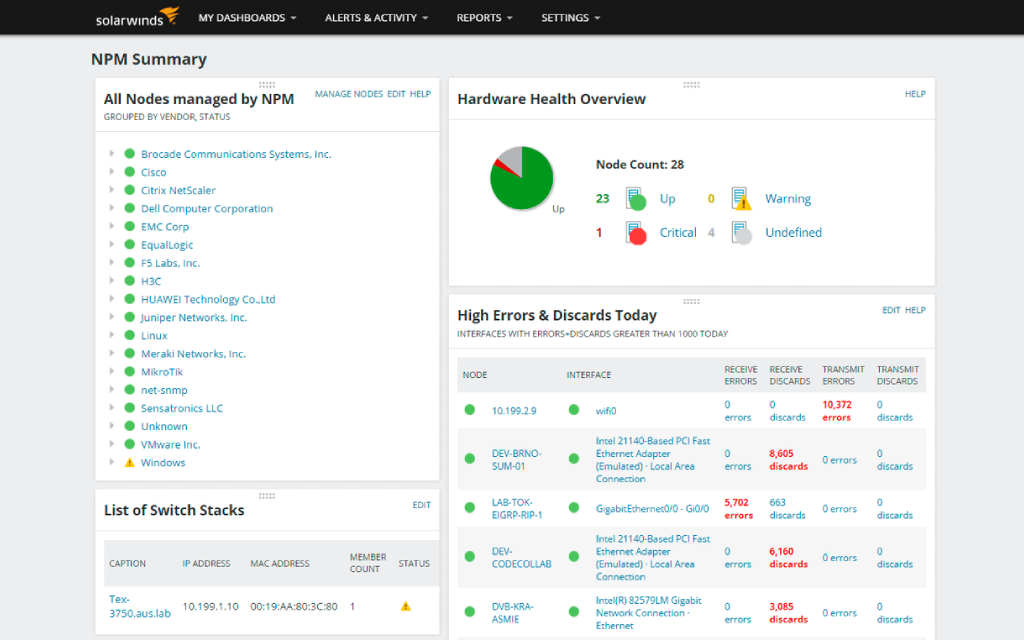
Quickly discover your network devices and create inventory reports
Scan your network to create physical and logical relationships between devices
Generate and customize network maps to improve your network insights