- Events
-
Partners
- Government
- Customer Portal
- Contact Us
- Contact Sales
-
English
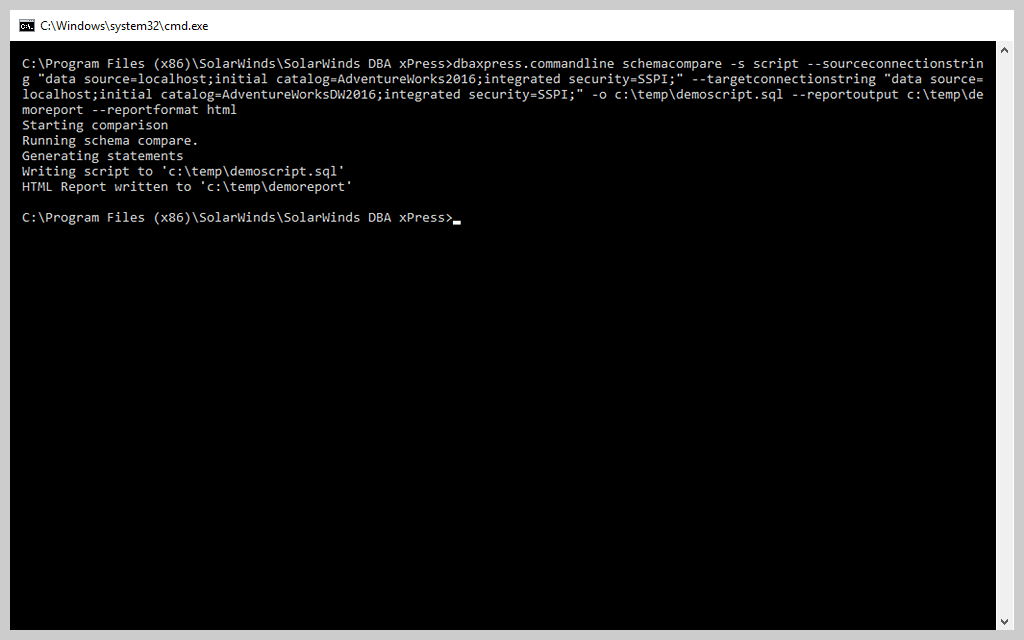
Automating repetitive tasks can save you time, reduce the risk of human error, and streamline processes. Enjoy these benefits as you manage your ever-changing data estate. With DBA xPress and the command line, you can automate schema and data comparisons and do the following:
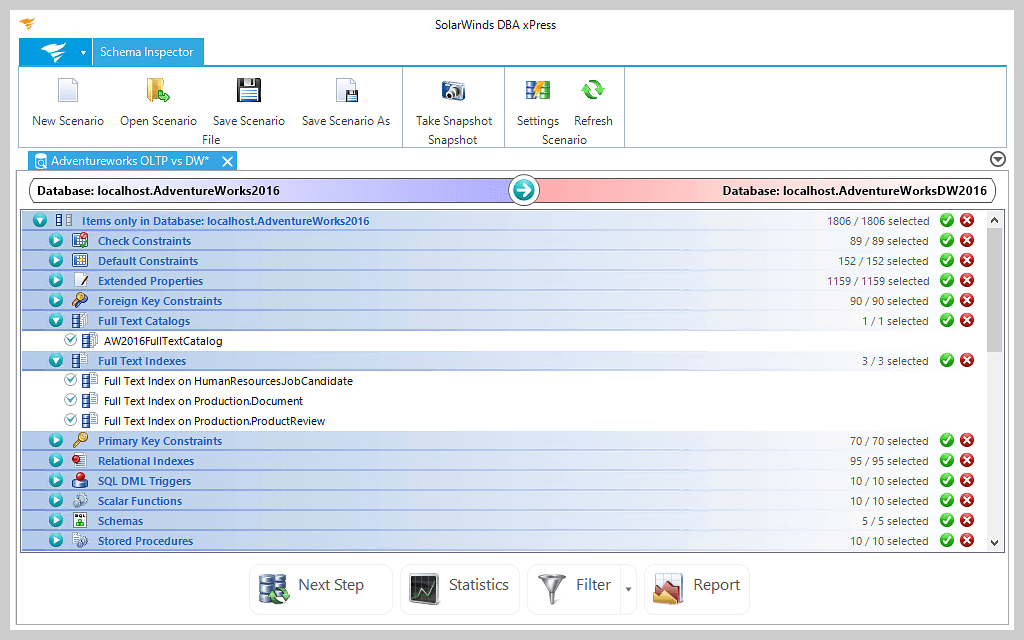
The DBA xPress Schema Inspector can help you view the differences between database schema and synchronize databases. You can compare a production database to schema in a development environment. Additionally, you can see various statistics about the items you're comparing, apply filters, change settings, and create reports. You can also synchronize production and development database environments in three different ways:
The DBA xPress Data Inspector tool can create detailed comparisons between the data stored in two different databases and helps you sync data between databases. When the comparison is complete, you can see details such as tables with rows found only in the source or only in the destination and rows that are different between the two.
As with the Schema Inspector SQL developer tool, you have three options for synchronizing databases:
Also included in DBA xPress, Data Surf displays data in a table and shows how this data relates to other tables. With Data Surf, you can do the following:
Schema Surf allows DBAs to find out how objects in a database are related, including schema dependencies between security policies, functions, tables, and users. With this tool, you can also do the following:
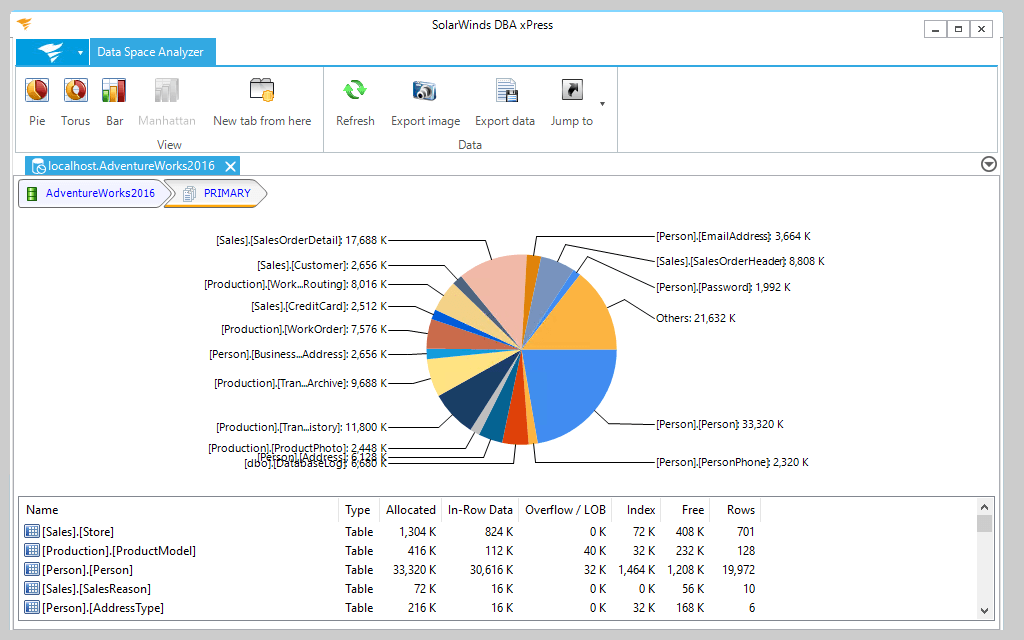
Data Space Analyzer helps you manage your growing data estate by displaying graphs of available database disk space. After selecting a database to analyze, you'll see a graph of the primary file group. You can drill into the details—including information about specific tables and indexes—and change the style of the chart.
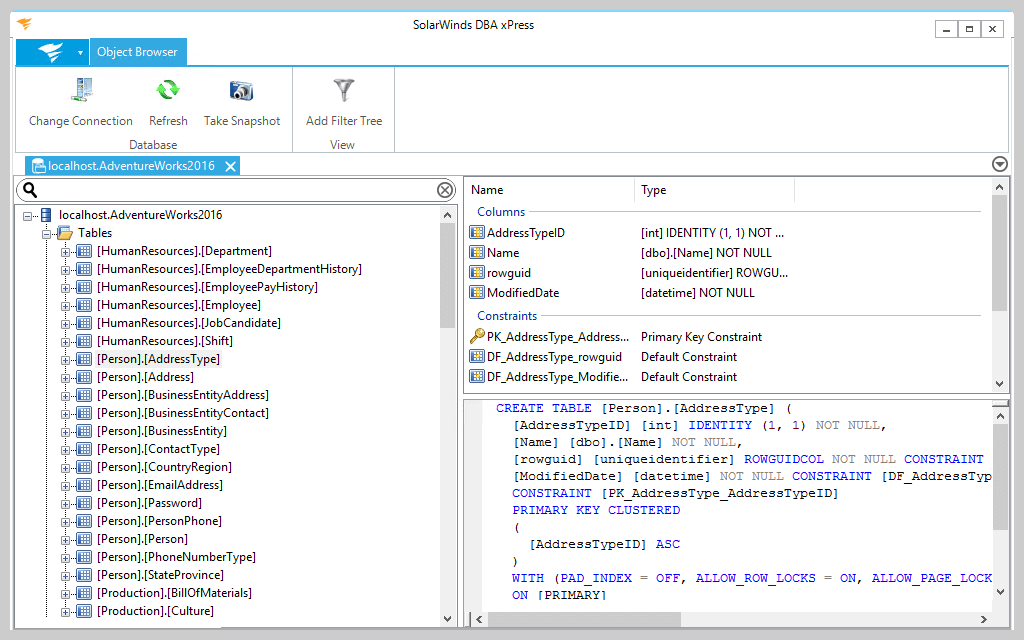
The Object Browser in DBA xPress lets you view detailed information about objects inside a SQL Server database and generate DDL scripts. With the Object Browser, you can do the following: